 Game Studio
macOS
Apple silicon · ZIP
Technical details
The beta is ad-hoc signed, not notarized. macOS may require you to right-click the app and choose Open the first time.
Public Beta 0.7.0 · Ten tools included
One complete studio. Ten focused tools. Build a pixel adventure, first-person world or branching story, refine sprites and sound, then test the details that make your game feel complete.
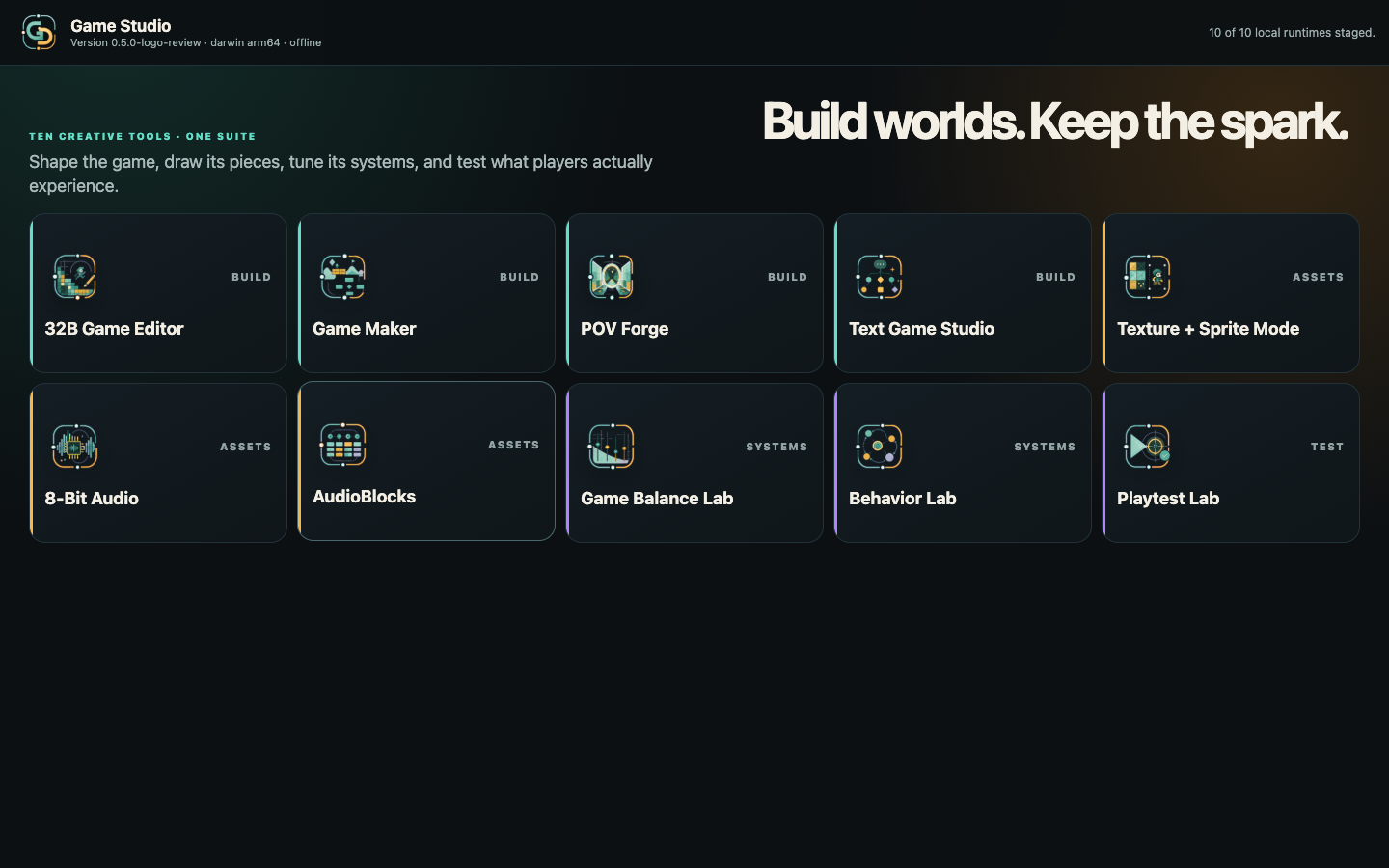
Desktop Public Beta 0.7.0
Choose one platform package. There are no separate tool packs or reduced editions.
Apple silicon · ZIP
The beta is ad-hoc signed, not notarized. macOS may require you to right-click the app and choose Open the first time.
64-bit installer
The beta is not publisher-signed. Microsoft Defender SmartScreen may show an unknown-publisher warning before installation.
x86-64 · AppImage
The beta is not publisher-signed. AppImage users may need to mark the downloaded file as executable before opening it.
Start with a playable thing
The strongest tools lead the workflow, while the specialist labs stay close when the game needs them.
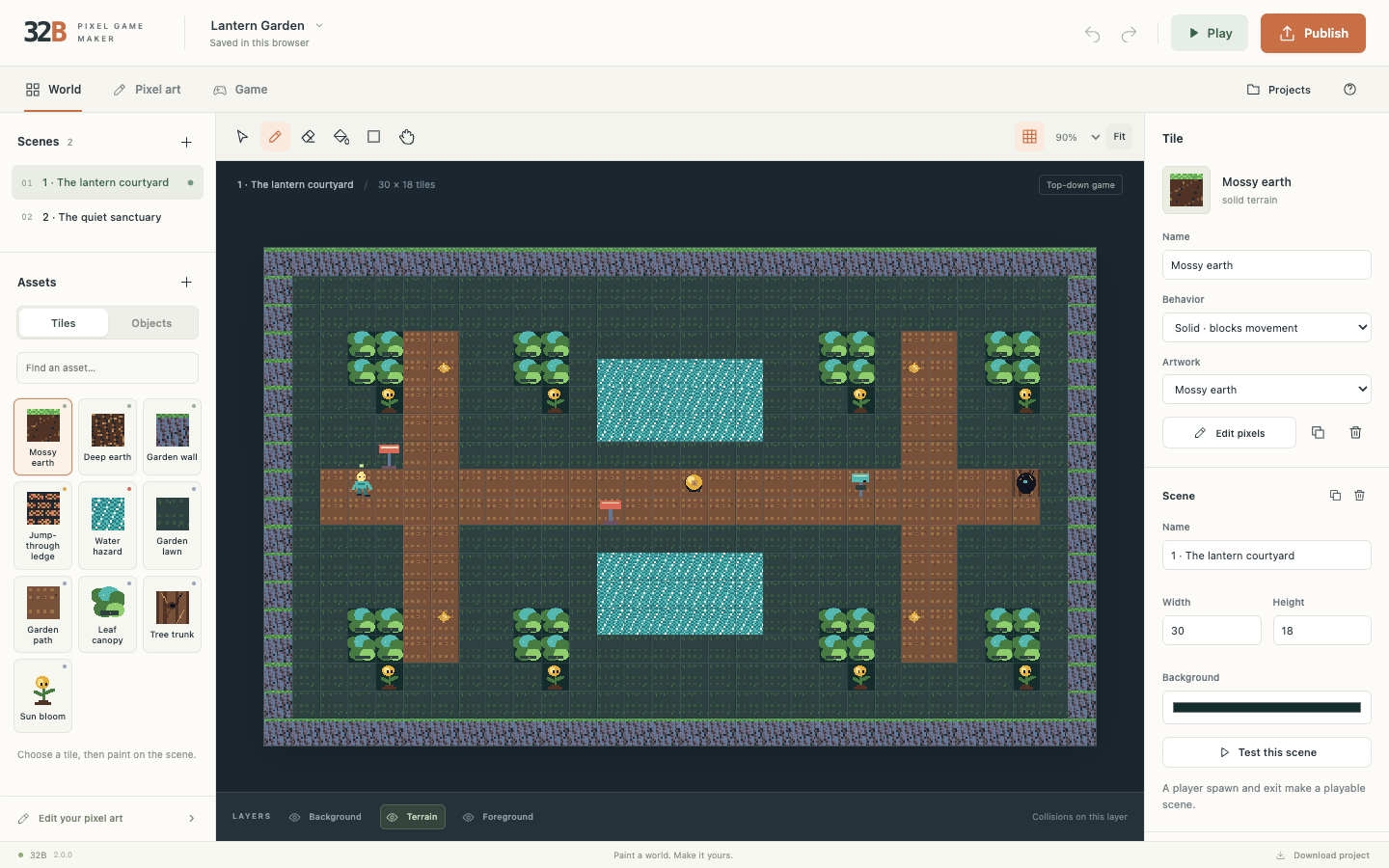
Flagship editor · 32B
Paint pixel art, animate sprites and build platform or top-down games with the same engine for preview and export. Open older projects in Classic while keeping the new editor focused on clear, editable game creation.
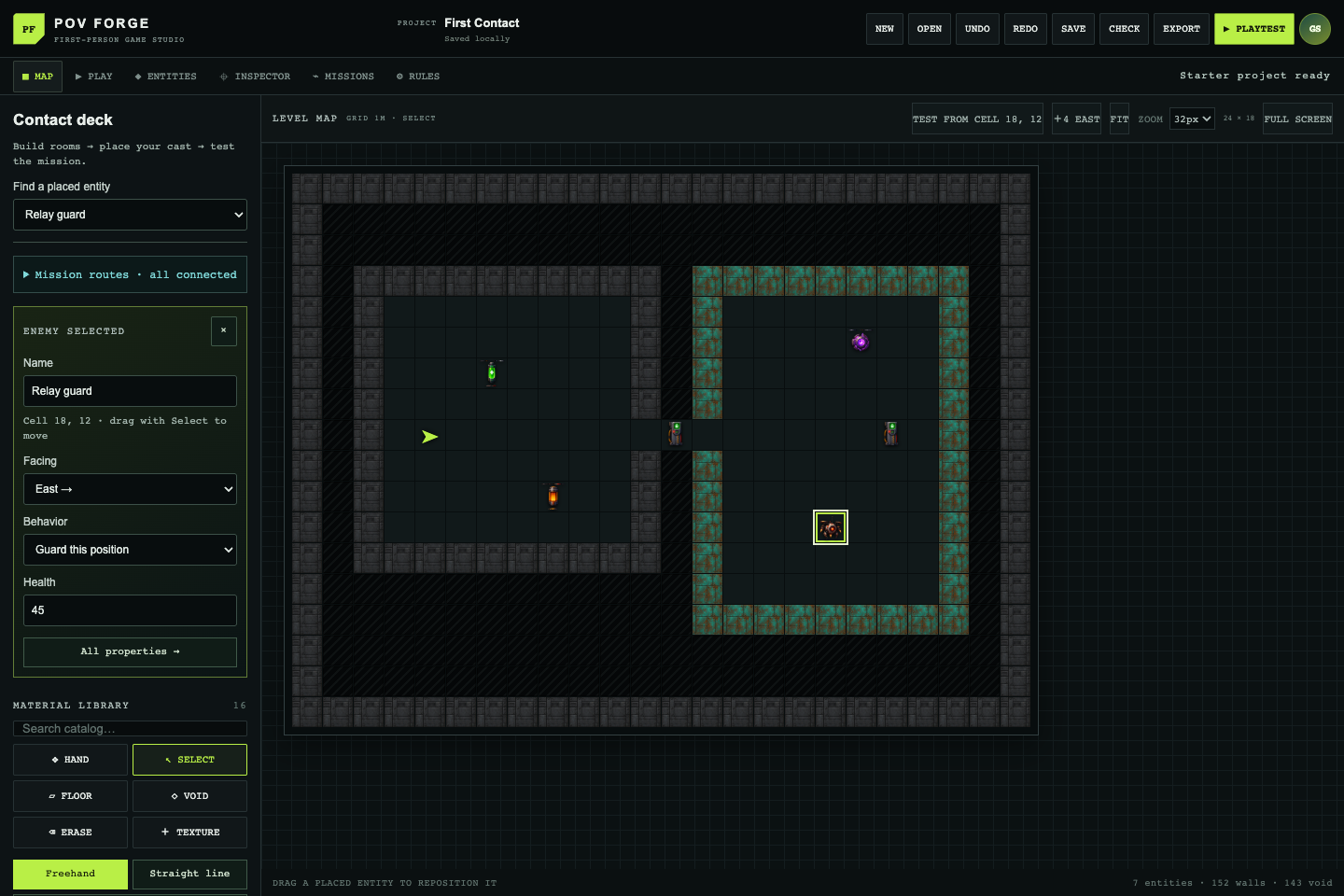
World building · POV Forge
Start from a focused template, draw rooms directly on the map, place objects and objectives, then step into your creation. Keep refining until the route, atmosphere and challenge feel right.
Make the details work
Explore branching stories, refine animated sprites, replay behavior scenarios, and build a clear test plan.
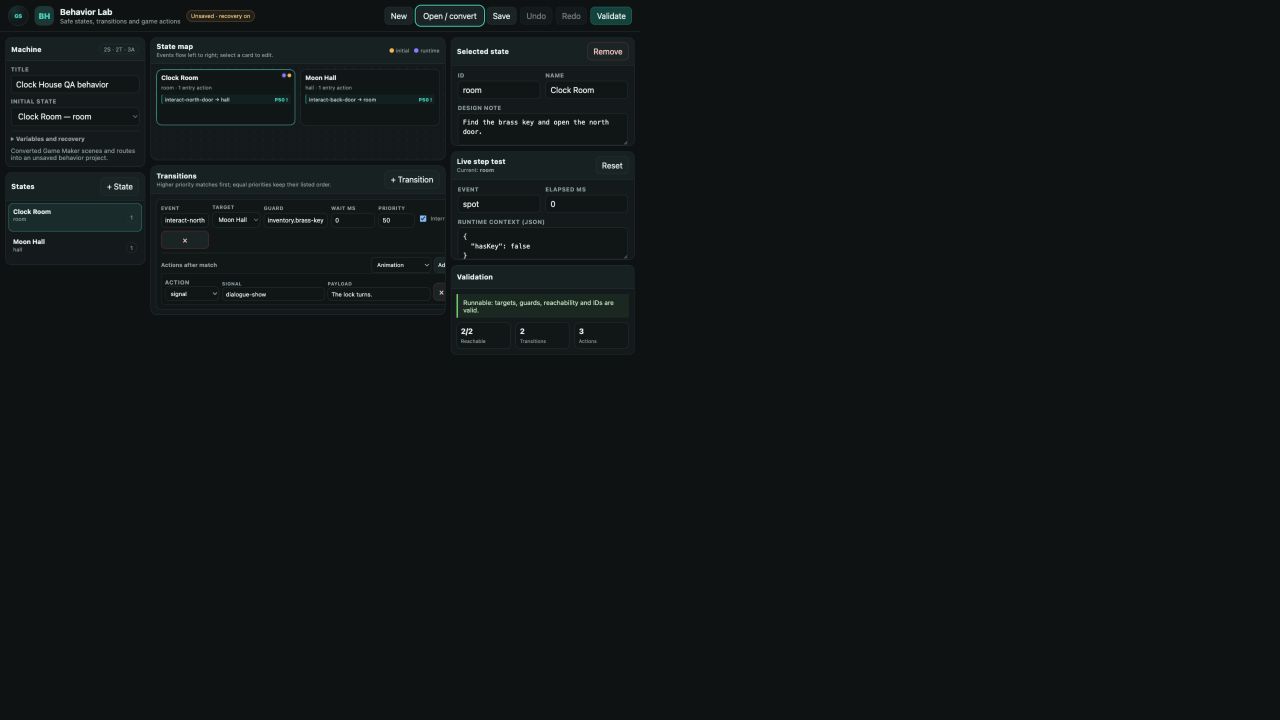
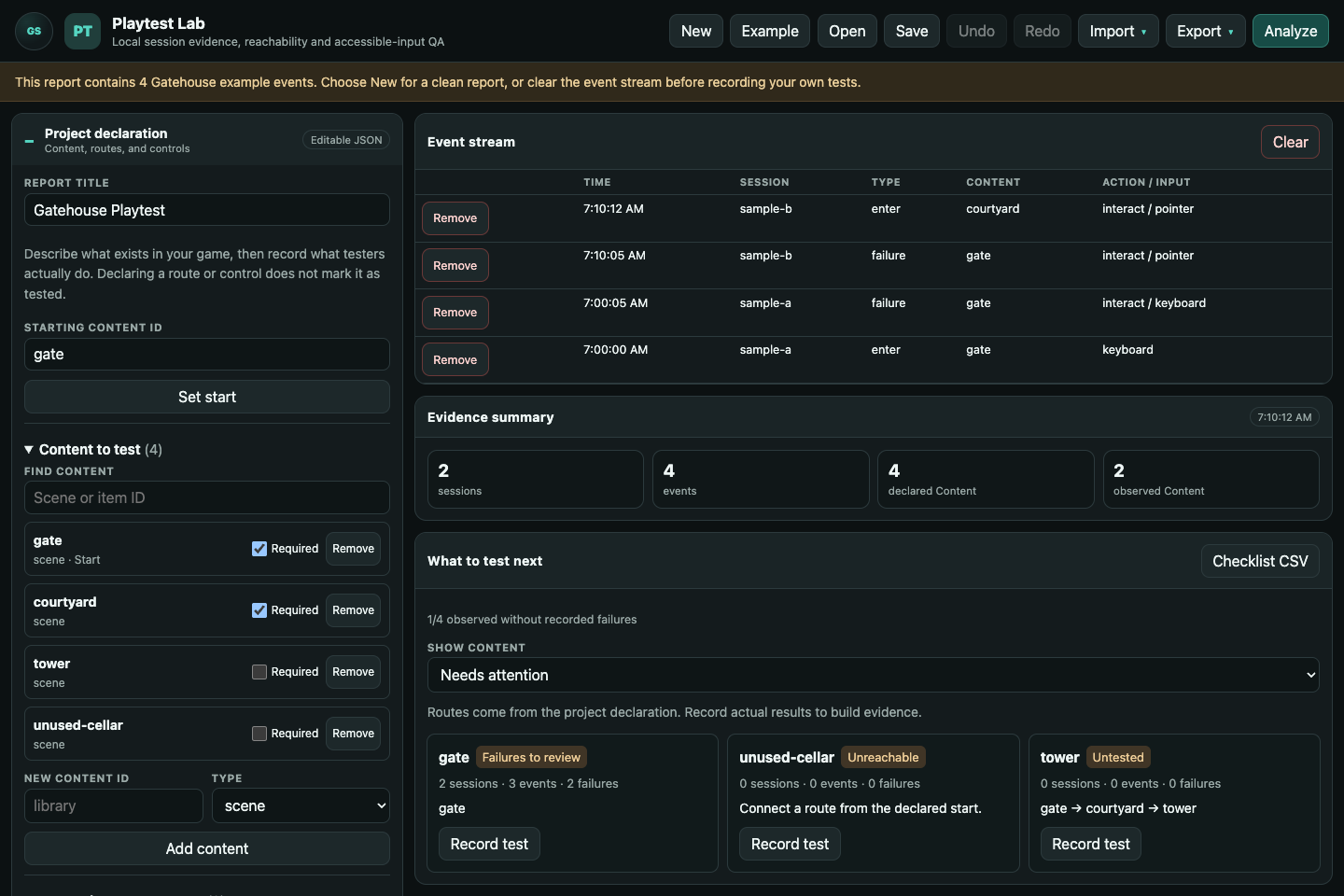
A complete creative workbench
Each tool has a clear job; the suite keeps them close enough to feel like one creative process.
One practical loop
Choose the editor that fits the game and get to a working scene quickly.
Create compact visual and audio assets without leaving the suite.
Inspect behavior and balance while the design decisions are still flexible.
Capture clear evidence, fix what matters, and begin the next pass.
Explore the browser tools, or download all ten tools—including Texture and 8-Bit Audio—to keep building offline.
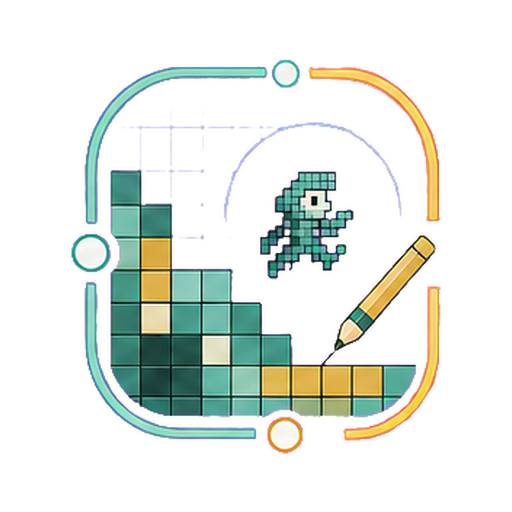 32B
32B Game Maker
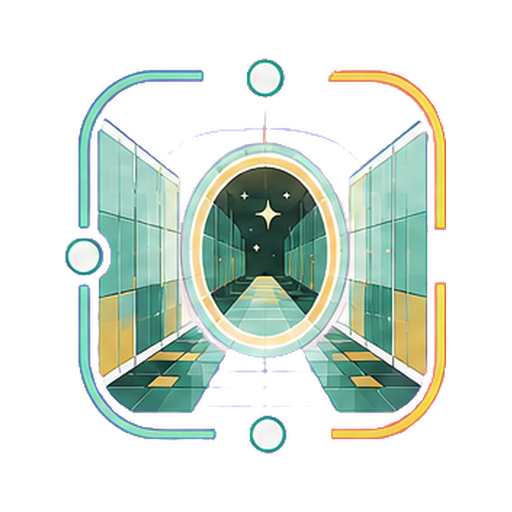 POV Forge
 Text Game Studio
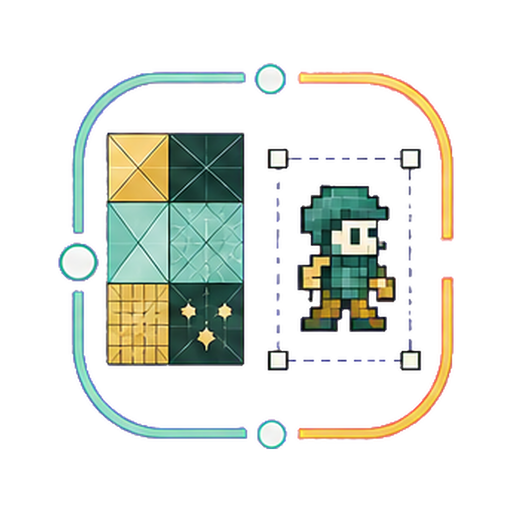 Texture + Sprite Mode
 8-Bit Audio
 AudioBlocks
 Behavior Lab
 Game Balance Lab
 Playtest Lab